
NA333 Login guide for safer account access

NA333 Login helps registered users open their account, manage profile settings, view wallet areas, check notices, and continue on a mobile browser. This guide outlines a careful sign-in process for Bangladesh users, including official page checks, verification prompts, password recovery, device awareness, and responsible online gaming habits.

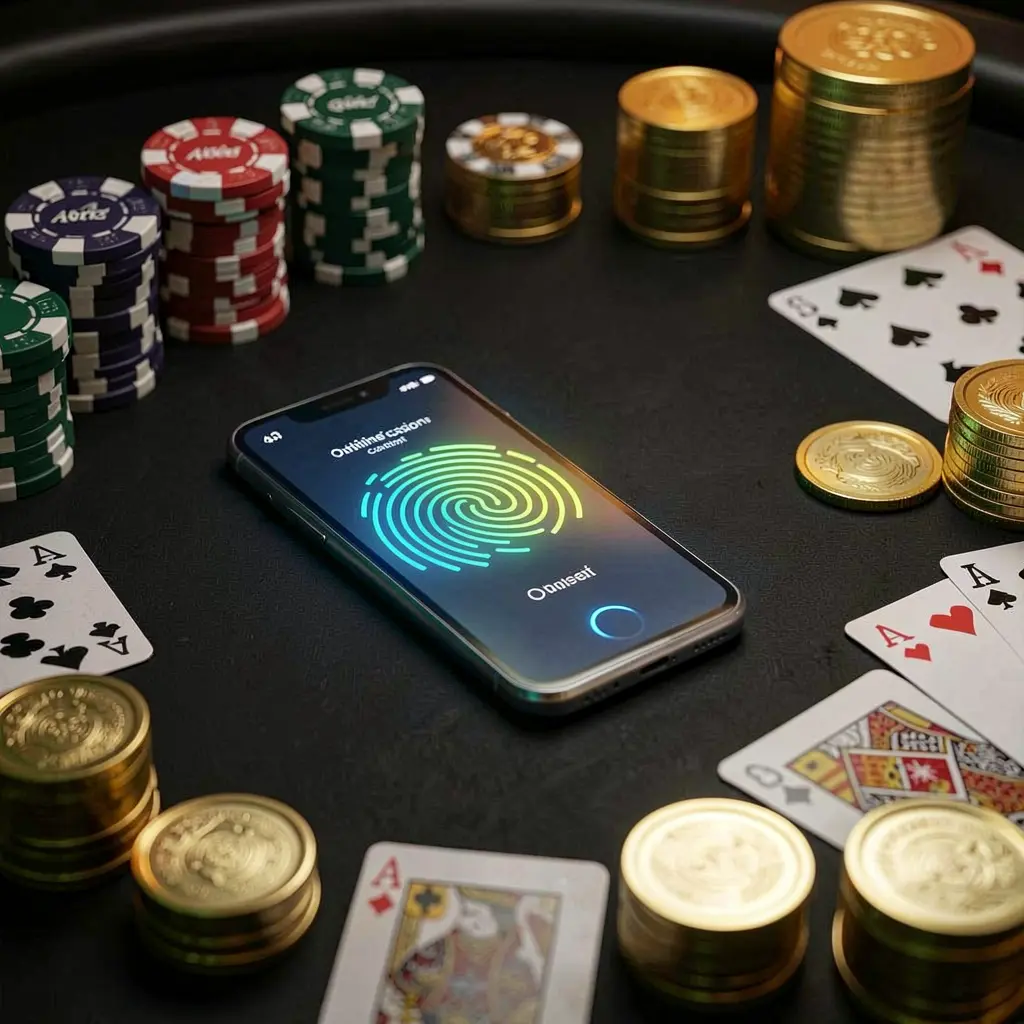
NA333 online casino authentication concept showing a phone with fingerprint scan glow on a premium black table surrounded by poker chips, golden coins, and playing cards in a cinematic 3D render

Understanding the NA333 Login Page

The NA333 login page is where registered users enter their account area and manage important details. It can provide access to profile information, wallet records, account messages, promotional pages, and support options, so each sign-in should be handled carefully.

Before entering a username, password, phone number, or email address, confirm that the page was opened through an official NA333 route. Avoid unfamiliar links from messages, social media posts, pop-up adverts, or people claiming to offer account assistance.

Users in Bangladesh may access accounts through mobile data, home Wi-Fi, or shared connections. Checking the web address, keeping the screen private, and avoiding automatic sign-in on another person's device can reduce common account security risks.

As NA333 may include gaming-related services, users should understand local requirements, use only funds they can afford to spend, and take a break when entertainment no longer feels comfortable or manageable.

How to Log In to NA333

Using the same simple login routine each time can help prevent incorrect entries, unofficial page visits, and confusion over verification requests. Keep your registered contact details available before you begin the sign-in process.

Step 1: Visit the Official NA333 Access Page

Open NA333 using the main website, a trusted saved bookmark, or the platform's own login route. Check the address carefully and close pages that redirect unexpectedly or request unusual information.

Step 2: Enter Your Registered Account Details

Type the phone number, email address, or username linked to your account. Check keyboard language, extra spaces, and browser autofill suggestions, especially if details have changed since your previous visit.

Step 3: Complete Any Security Prompt

Enter a password, captcha, OTP, or device confirmation only on the official NA333 page. Never disclose a code, reset link, or password to another person, including unofficial chat contacts.

Step 4: Check Your Dashboard After Access

Once signed in, review your profile details, wallet display, recent alerts, and support section. Pause before making changes if you notice unfamiliar information, unexpected activity, or a device notification.

NA333 Login Details Worth Reviewing

Trusted Login Route

A saved official route makes repeat access more straightforward and reduces reliance on random search links or forwarded messages. Users should be cautious of pages with altered branding, unusual forms, or requests for private recovery information.

Current Contact Information

Phone numbers and email addresses connected to an account may be needed for verification or password recovery. Keep control of these contacts and update them through official account settings if circumstances change.

Private Device Use

A personal, screen-locked device is generally safer for account access than a public computer or borrowed phone. Do not save passwords in browsers that other people can open or use.

Official Help Options

Use the support area inside NA333 when an account issue needs attention. Be careful with contacts who request passwords, OTP codes, identity images, wallet details, or screenshots through private messages.

Common NA333 Login Issues

Login difficulties can often be resolved without repeated attempts. Start by confirming the official page, checking the registered details, and making sure your internet connection and phone or email access are working normally.

Password Is Not Accepted

Check for typing errors, capitals, spaces, and outdated saved passwords. If the issue continues, use the official NA333 password recovery tool rather than repeatedly attempting different combinations.

OTP or Email Verification Is Delayed

Review mobile signal, SMS blocking settings, spam folders, and whether the registered contact is active. Wait before requesting another code because repeated requests may invalidate an earlier one.

New Device Confirmation Appears

A new browser or phone can trigger an additional check. Complete it on the official page, keep your device private, and inspect account notices after entering the dashboard.

The Login Page Does Not Open Properly

Refresh the browser, check your connection, clear temporary browser data, or use an updated browser. Leave immediately if a page displays suspicious redirects, unfamiliar forms, or unexpected payment requests.

Mobile Login Safety and Responsible Use

Mobile access is convenient, but it also requires attention to device privacy. Keep your phone updated, use a screen lock, avoid unknown downloads, and do not enter account details while connected to unsecured public Wi-Fi.

After a successful login, review the account dashboard before continuing. Checking profile information, wallet records, notices, and security options can help users identify changes that need clarification through official support.

Quick account safety reminders

Account access should support informed and controlled use, not impulsive decisions. Adults should consider local rules, protect their personal information, and stop using gaming-related services if spending, stress, or account activity becomes difficult to manage.

NA333 Login FAQ

Read common answers about NA333 Login, account recovery, verification codes, mobile access, and safer sign-in practices.

How do I log in to NA333?

Open the official NA333 login page, enter the phone number, email address, or username registered to your account, provide your password, and complete any verification prompt shown on the page.

Why am I not receiving my NA333 verification code?

Check your mobile signal, message settings, email spam folder, and the contact details registered to the account. Wait before requesting another code, as repeated requests can delay delivery.

What should I do if I forget my NA333 password?

Use the official password recovery option on the NA333 login page. Follow the displayed instructions and create a new password that is strong, private, and not used for other accounts.

Can I access NA333 from a new phone?

You may be asked to complete an additional verification step when using a new phone or browser. Confirm the official page, complete the prompt privately, and review account notices after login.

How can I make my NA333 login safer?

Use a trusted access route, do not share passwords or OTP codes, keep recovery contacts current, avoid shared devices, and log out whenever you finish using the account.

LoginDownload